Business Copiers and Printers
Make Everyday Printing More Efficient
Da-Com provides business copiers, multifunction printers, office printers, copier leasing, installation, supplies and local service to organizations throughout St. Louis, Columbia, Missouri, and Southern Illinois.
Since 1948, Da-Com has helped businesses select and support office equipment based on their users, print volume, space, security requirements and document workflows. Our team works with leading manufacturers to provide equipment and ongoing support that fit each organization’s needs. Options include business printers, office copiers, and multifunction systems that bring several document functions into one device.


What Is the Difference Between a Copier and a Printer?
A business printer primarily produces documents sent from computers and other connected devices. A copier creates duplicates, while a multifunction printer can combine printing, copying, scanning, and optional fax capabilities in one system.
Choose the device around the work it must perform
- Printers support frequent document output.
- Copiers simplify repeated document duplication.
- Multifunction devices consolidate several functions.
- Scanners convert paper into digital files.
Many modern office devices blur the traditional line between printer and copier. The more useful question is which combination of output, scanning, paper handling, and workflow capabilities your team needs.
A needs assessment can help narrow the options before you compare individual models.
Which Capabilities Matter in Business Printing Equipment?
The best business copiers and printers are not simply the fastest models. They are systems that can handle your documents, users, volume, and workflows without unnecessary complexity.
Print Volume
Estimate the number of pages produced each month so the equipment can handle normal demand and recurring periods of heavier use.
Output Speed
Consider how quickly employees need first pages, multipage documents, copies, and larger jobs during the busiest parts of the day.
Color Requirements
Determine whether teams need full color for customer-facing materials or efficient black-and-white output for routine documents.
Scanning Workflows
Identify where scanned documents should go, including email, network folders, cloud locations, or document-management workflows.
Paper Handling
Account for paper sizes, envelopes, labels, heavier stocks, multiple trays, duplexing, and any finishing employees use regularly.
Print Security
Review authentication, secure release, access controls, stored data, and administrative settings based on the chosen equipment.
How Do You Determine the Right Copier Capacity?
Start with actual usage rather than choosing equipment from its advertised speed alone. Monthly volume, peak demand, job length, number of users, and document type all affect the capacity your office requires.
Review both average use and busy periods
- Current monthly page counts
- Color and black-and-white volumes
- Number of regular users
- Typical document length
- Scanning and copying demand
- Seasonal or deadline-driven peaks
Equipment that is too small may create queues and unnecessary wear. Equipment that is oversized may add cost and features that employees rarely use.
A review of current usage helps identify business copiers and printers with the right capacity for your workplace.

Should You Centralize Printing or Use Multiple Devices?
The right layout depends on employee locations, document sensitivity, print volume, accessibility, and how far users must travel to complete common tasks.
Centralized Multifunction Equipment
A shared multifunction system can consolidate printing, copying, and scanning for a department or office area. Centralization may simplify administration, reduce the number of devices, and give more employees access to advanced paper handling or finishing. It works best when the device is conveniently located and has enough capacity for combined demand. Organizations should also consider how work continues when a heavily used central device requires service. A managed print assessment can help determine whether a centralized device has the right capacity, features, and placement for the people who rely on it.
Distributed Workgroup Printers
Multiple workgroup printers can place output closer to employees, reduce walking, and support teams with different document requirements. A distributed layout may also help departments separate confidential or specialized work. However, more devices can create additional supply, maintenance, driver, and usage-management requirements. The best approach may combine shared multifunction systems with carefully placed printers for specific teams or workflows. Organizations managing multiple devices can also learn how business printer management and Managed Print Services reduce printer problems.
How Can Office Equipment Improve Document Workflows?
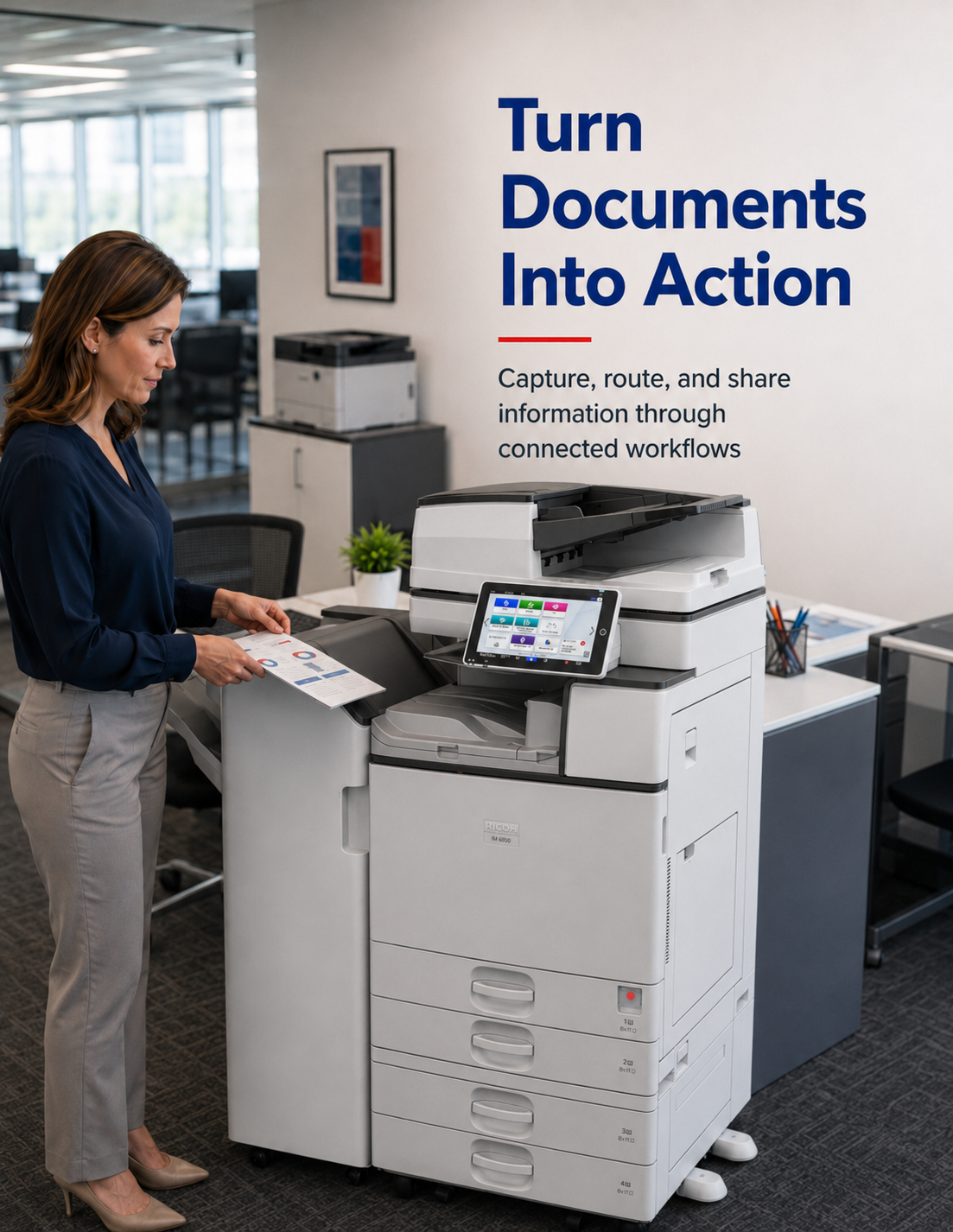
Modern business copiers and printers can do more than place toner on paper. A properly configured multifunction system can help employees capture documents, route files, reduce repeated manual steps, and move information to the people or systems that need it.
Look beyond the basic print function
- Scan documents to approved destinations.
- Create searchable digital files where supported.
- Use presets for repeatable document tasks.
- Apply finishing without separate manual steps.
- Release sensitive jobs after user authentication.
- Support approved mobile or remote-print workflows.
The available workflow features depend on the equipment, software, network, and configuration selected. The goal is to match those capabilities to real tasks rather than add features employees will not use.
Well-planned equipment should make common document processes simpler and more consistent.
What Problems Can the Right Office Equipment Address?
A thoughtful equipment plan can reduce recurring friction across printing, copying, scanning, document handling, and device administration.
Frequent Print Queues
Match equipment speed and capacity to periods of concentrated demand.
Inconsistent Output
Select devices suited to the documents and media employees produce.
Manual Scanning Steps
Configure repeatable destinations for common document workflows.
Too Many Devices
Consolidate equipment where a shared system makes operational sense.
Supply Confusion
Standardize devices and clarify how toner and supplies are managed.
Limited Access Control
Evaluate supported authentication and secure-release capabilities.
When Should a Business Replace Its Copier or Printer?
Replacement may be appropriate when equipment no longer supports current demand, creates repeated disruptions, lacks needed functions, or becomes difficult to integrate with the organization’s technology and document workflows.
Watch for operational warning signs
- Service needs are becoming more frequent.
- Employees regularly wait for large jobs.
- Scan workflows require repeated manual steps.
- New paper sizes or media are not supported.
- The device does not fit current security policies.
- Multiple aging devices are difficult to administer.
Age alone should not determine replacement. Review reliability, supportability, usage, operating requirements, and the cost of continuing with the current environment.
A structured assessment can show whether your current business copiers and printers should be reconfigured, consolidated, or replaced. If recurring service needs or downtime are affecting daily work, learn why fast copier repair in St. Louis matters.

Should You Buy or Lease a Business Copier?
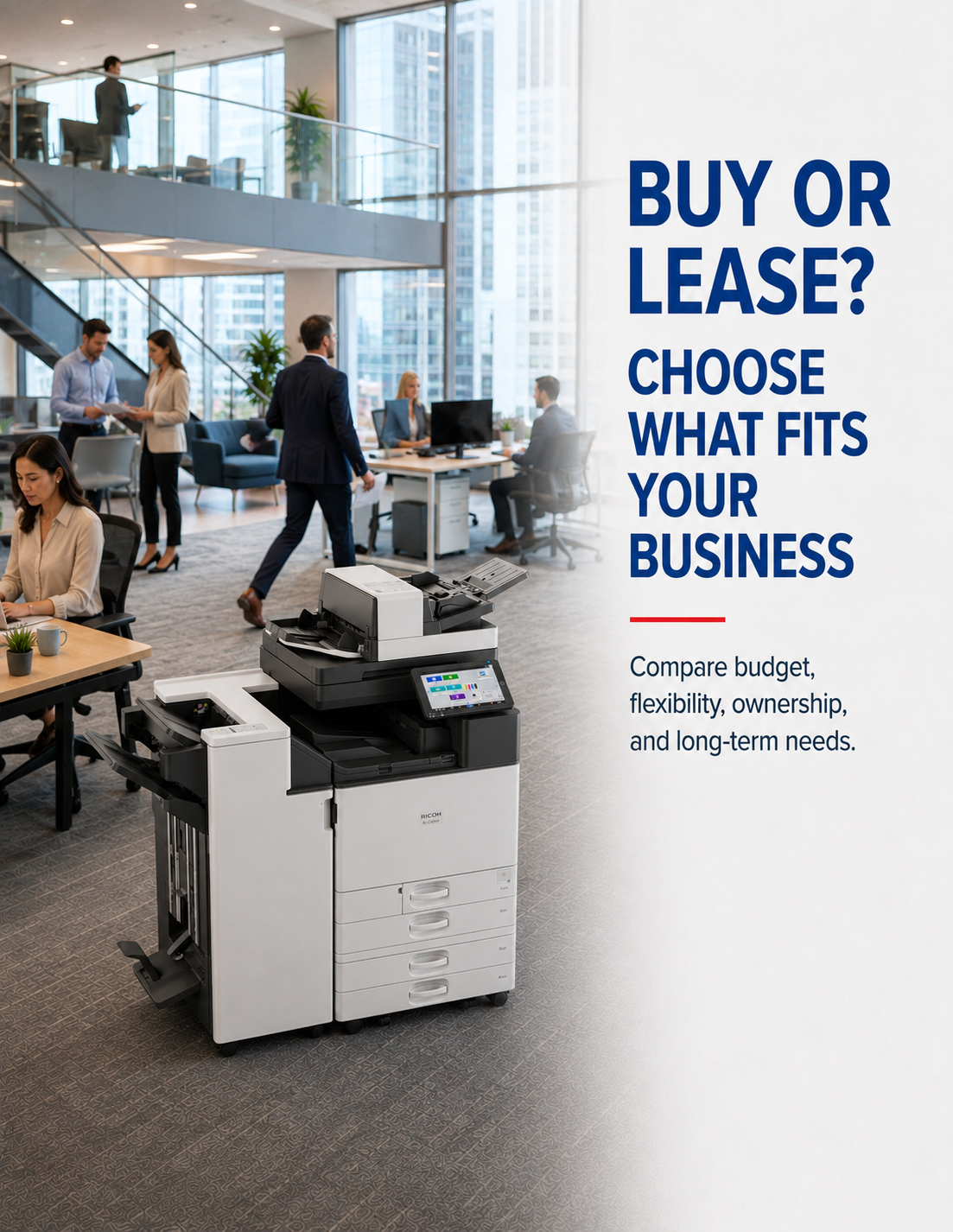
The right acquisition method depends on your budget, technology needs, equipment lifecycle, and long-term plans.
Copier Leasing
- Predictable monthly expenses
- Access to current technology
- Potential equipment upgrade options
- Service and supply coverage based on the agreement
- End-of-term requirements that should be reviewed carefully
Copier Purchasing
- Full equipment ownership
- Upfront capital investment
- Greater control over how long the equipment is retained
- Ongoing responsibility for service and supplies
- A practical option for organizations that keep equipment longer
Da-Com can help your organization compare both options based on budget, expected usage, and long-term requirements. Learn more about how to navigate a copier lease agreement.
Find the Right Business Copiers and Printers for Your Business
Choosing office equipment requires more than comparing model numbers. Your organization’s page volume, users, applications, document types, security requirements, space, and support expectations should shape the recommendation. Use these five selection factors to define what the new equipment must accomplish before reviewing specific products.
Begin with measurable usage. Review monthly page counts, the split between color and black-and-white output, scan volume, average job length, and periods when demand rises. A device used by five employees with short daily jobs has different requirements from a departmental system serving dozens of people.
Consider:
- Average monthly page volume
- Peak monthly and daily demand
- Number of users
- Typical job size
- Color percentage
- Copying and scanning frequency
- Expected business growth
The objective is not to buy the highest-capacity machine available. It is to choose equipment designed for the workload employees will realistically place on it.
List the materials employees produce before selecting trays, paper paths, or finishing options. Standard letter-size documents may require a simple configuration, while proposals, booklets, checks, labels, envelopes, legal-size files, or heavier media can require additional capabilities.
Evaluate:
- Required paper sizes
- Color and image expectations
- Envelopes, labels, or specialty media
- Automatic two-sided output
- Stapling, sorting, or hole punching
- Booklet or folding requirements
- Input and output capacity
Some applications belong on specialized production, digital-press, or wide-format equipment rather than a general office system. Separating these needs prevents the main office device from being selected for work it was not designed to perform.
Scanning should be evaluated as a business process, not simply as a feature on the specification sheet. Identify what employees scan, how often they scan it, where the file should go, who needs access, and what steps occur afterward.
Potential requirements include:
- Scan to email
- Scan to network folder
- Scan to an approved cloud location
- Searchable file creation
- File naming or indexing
- Duplex document capture
- Batch scanning
- Integration with document workflows
Available functions vary by equipment and software. A workflow review helps determine whether a multifunction device is sufficient or whether Da-Com’s advanced scanning or document-management capabilities should also be considered.
Printers and multifunction devices connect to business networks and may process sensitive documents. Include them in conversations about user access, configuration, stored information, firmware, and device administration.
Depending on the selected system, considerations may include:
- User authentication
- Secure print release
- Role-based permissions
- Address-book controls
- Data storage settings
- Administrative access
- Firmware and software management
- Network configuration
- Usage tracking
Security functions differ by manufacturer, model, optional software, and configuration. Da-Com and the organization’s IT team should review requirements together before final equipment selection.
The equipment decision continues after installation. Clarify how employees will request service, obtain toner, receive help, and learn the functions they use most often. Multi-location organizations should also determine whether equipment can be standardized and how support will be coordinated.
Ask potential providers about:
- Installation planning
- Network coordination
- User orientation
- Service-request procedures
- Toner and supply ordering
- Supported equipment
- Ongoing equipment review
- End-of-term or replacement planning
The right arrangement should fit both the machine and the way your organization expects to manage it throughout its useful life.
Not sure which business copier or printer is right for your workplace? Da-Com can review your users, print volume, document workflows, and current equipment, then recommend a solution that fits your team.
Which Workplaces Benefit from Business Printing Solutions?
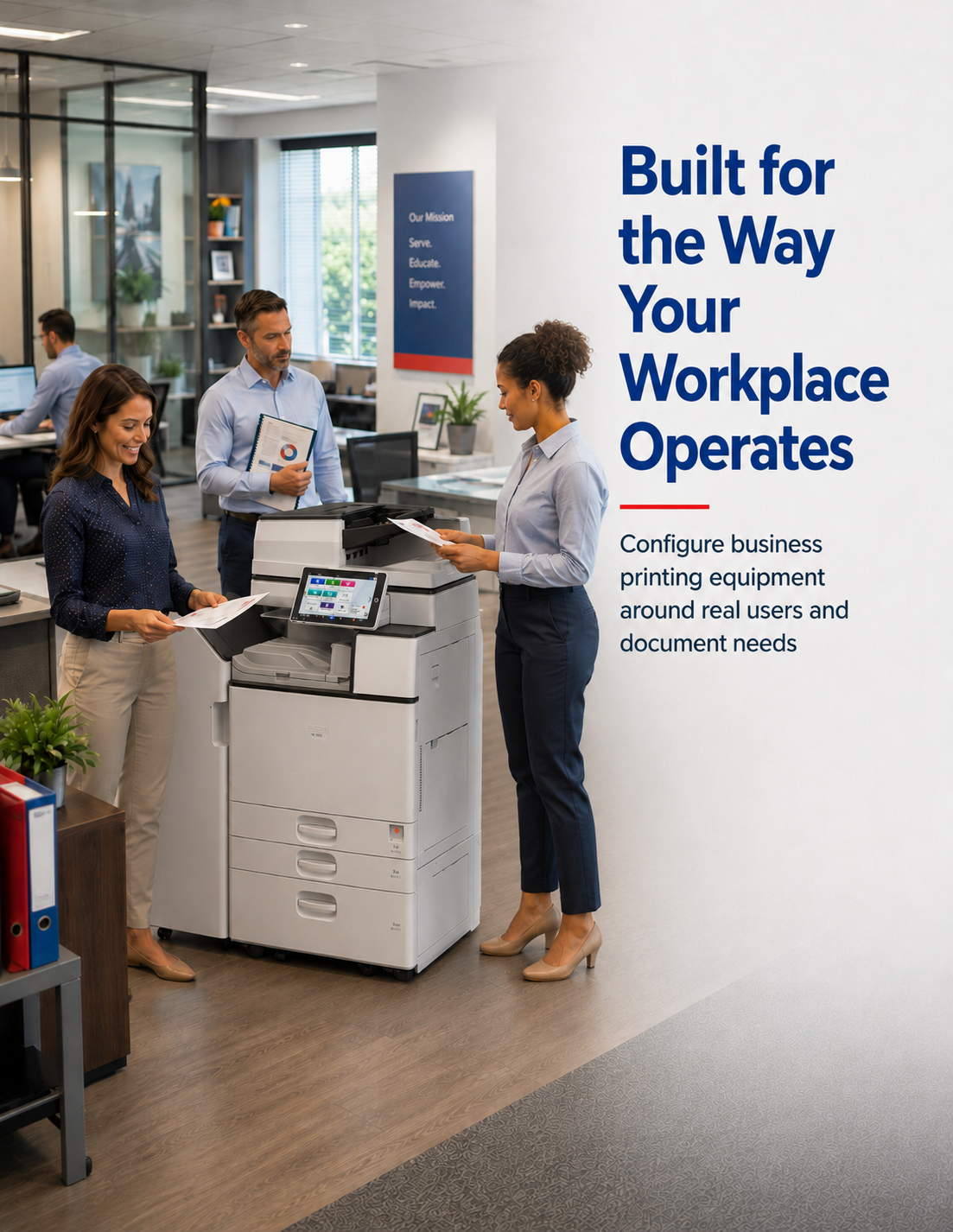
Business copiers and printers can support nearly any organization that regularly creates, copies, scans, or shares documents. The best configuration depends on the workplace, its users, its document types, and how information moves between teams.
Match the equipment to the operating environment
- Professional offices producing reports, proposals, and correspondence
- Healthcare offices managing administrative forms and document workflows
- Schools handling classroom, enrollment, and communication materials
- Government departments producing forms, notices, and public documents
- Nonprofits managing program, donor, and administrative materials
- Multi-location businesses seeking greater equipment consistency
Different departments may require different speeds, paper handling, security settings, or scanning capabilities. A workplace assessment helps identify where shared multifunction equipment, workgroup printers, or a combination of devices makes the most sense.
The right solution should reflect how each team works rather than applying one configuration to every organization.
Why Businesses Choose Da-Com for Copiers and Printers
Da-Com has helped organizations select and support office technology since 1948. Our team works with businesses throughout Missouri and Southern Illinois to plan, install, service, and manage equipment based on their actual workplace needs.
Local experience and support throughout the equipment lifecycle
- Serving businesses since 1948
- Local service technicians supporting Missouri and Southern Illinois
- Business copiers and printers from leading manufacturers
- Consultative planning based on workplace requirements
- Equipment selection aligned with users, print volume, space, and workflows
- Coordination of installation and implementation needs
- Support for equipment replacement and fleet planning
- One technology partner for office equipment, managed print, IT, cybersecurity, scanning, and document management
Da-Com helps organizations choose equipment that supports their immediate needs while providing the service, supplies, and long-term planning required throughout its useful life.


Business Copier and Printer Brands
Da-Com partners with industry-leading manufacturers, including Ricoh, Kyocera, Brother, HP, and Toshiba, to provide dependable business copiers, printers, and multifunction systems for organizations throughout Missouri and Southern Illinois.
Serving Businesses Across Missouri and Southern Illinois
Local installation, maintenance, and ongoing support
St. Louis, Missouri
Da-Com helps St. Louis organizations evaluate business copiers, printers, and multifunction systems for individual offices, departments, and broader equipment fleets. Recommendations can account for document volume, workflows, users, space, scanning, paper handling, and ongoing service needs.
Columbia, Missouri
Da-Com helps Columbia businesses evaluate business copiers and printers for offices, departments, and growing organizations. Equipment recommendations can account for document volume, user needs, scanning workflows, paper handling, and the ongoing service required to support daily operations.
Southern Illinois
Businesses across Southern Illinois can work with a regional office-technology provider to plan business copiers and printers around their daily operations. Da-Com supports organizations evaluating new devices, replacing aging systems, or creating a more consistent approach across multiple locations.
Frequently Asked Questions
Pricing can vary by speed, color, capacity, paper handling, finishing, software, accessories, service, supplies, and acquisition method.
Timing depends on equipment, delivery access, network preparation, software, configuration, and the number of users or devices involved.
Da-Com has a Southern Illinois service presence. Specific location, equipment, and support requirements should be confirmed during consultation.
Da-Com helps organizations evaluate business copiers, printers, and multifunction systems available through purchase or leasing options. The right approach depends on the organization’s budget, equipment needs, expected usage, and long-term plans.
Da-Com partners with industry-leading manufacturers, including Ricoh, Kyocera, and Toshiba, to provide business copiers, printers, and multifunction systems.
Coverage varies based on the equipment and agreement selected. Service agreements may include maintenance, repairs, replacement parts, toner, supplies, and technical support. Review the specific coverage, exclusions, and responsibilities before signing.
Toner may be included in some copier service agreements. The exact coverage depends on the equipment and agreement selected, so organizations should confirm which supplies and services are included.
Leasing may provide predictable monthly expenses and access to current technology, while purchasing may make sense for organizations that prefer ownership and plan to keep the equipment longer. Da-Com can help compare both options based on budget, usage, and long-term requirements.
Request a Quote
Thank you for your interest in Da-Com Corporation. To request a quote or schedule a meeting to discuss your needs, please fill out the form below. A qualified specialist will reach out with next steps. We look forward to hearing from you!
Technology Partners
We proudly partner with industry-leading technology providers to offer our customers affordable, reliable solutions.









Get Started
Reach out to Da-Com today, and let us help you transform the way your business leverages technology.