
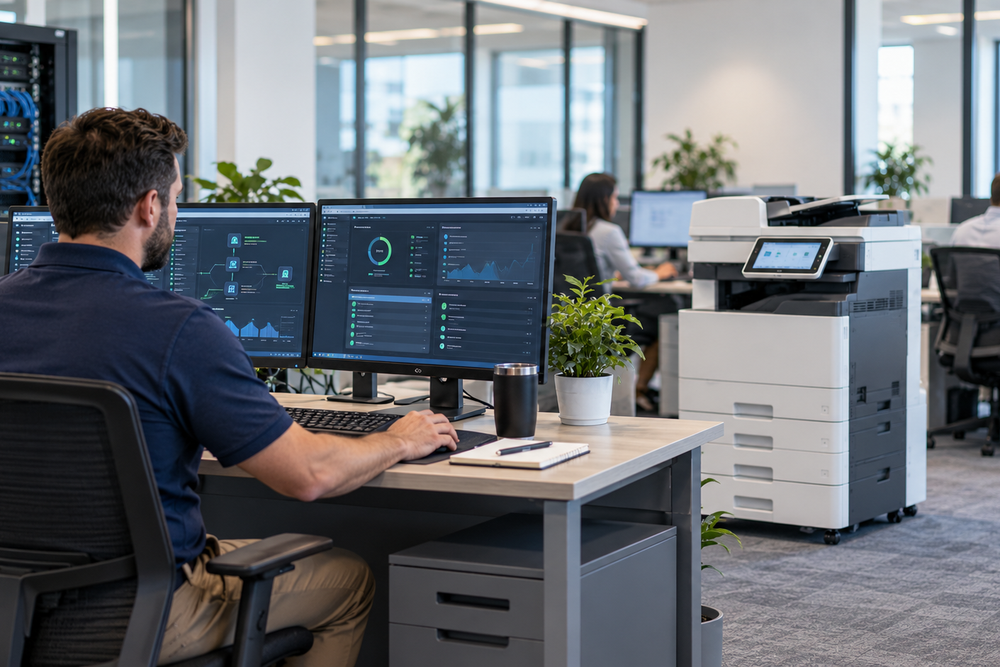
Modern businesses depend on technology to communicate with customers, manage operations, and complete everyday tasks. Computers, networks, printers, software, and digital tools all play an important role in keeping employees productive. When these systems work efficiently, businesses can focus on growth. However, technical problems, network interruptions, and equipment failures can quickly disrupt daily operations.
This is where managed IT services St Louis businesses can rely on become valuable. From proactive IT support and network management to printing equipment and document solutions, the right technology partner can help companies improve efficiency, minimize downtime, and manage their workplace technology more effectively.
Why Businesses Need Reliable IT Solutions
Technology is an essential part of almost every modern workplace. A slow network, software malfunction, printer issue, or cybersecurity concern can affect multiple employees and interrupt important business activities.
Rather than waiting for problems to occur, businesses can take a proactive approach to technology management.
Professional IT services help organizations monitor their systems, maintain equipment, troubleshoot technical issues, and keep their infrastructure operating efficiently.
For small and medium-sized businesses, maintaining a full in-house IT department may not always be practical. Partnering with an experienced technology provider offers access to professional expertise and ongoing support without the expense of building a large internal team.
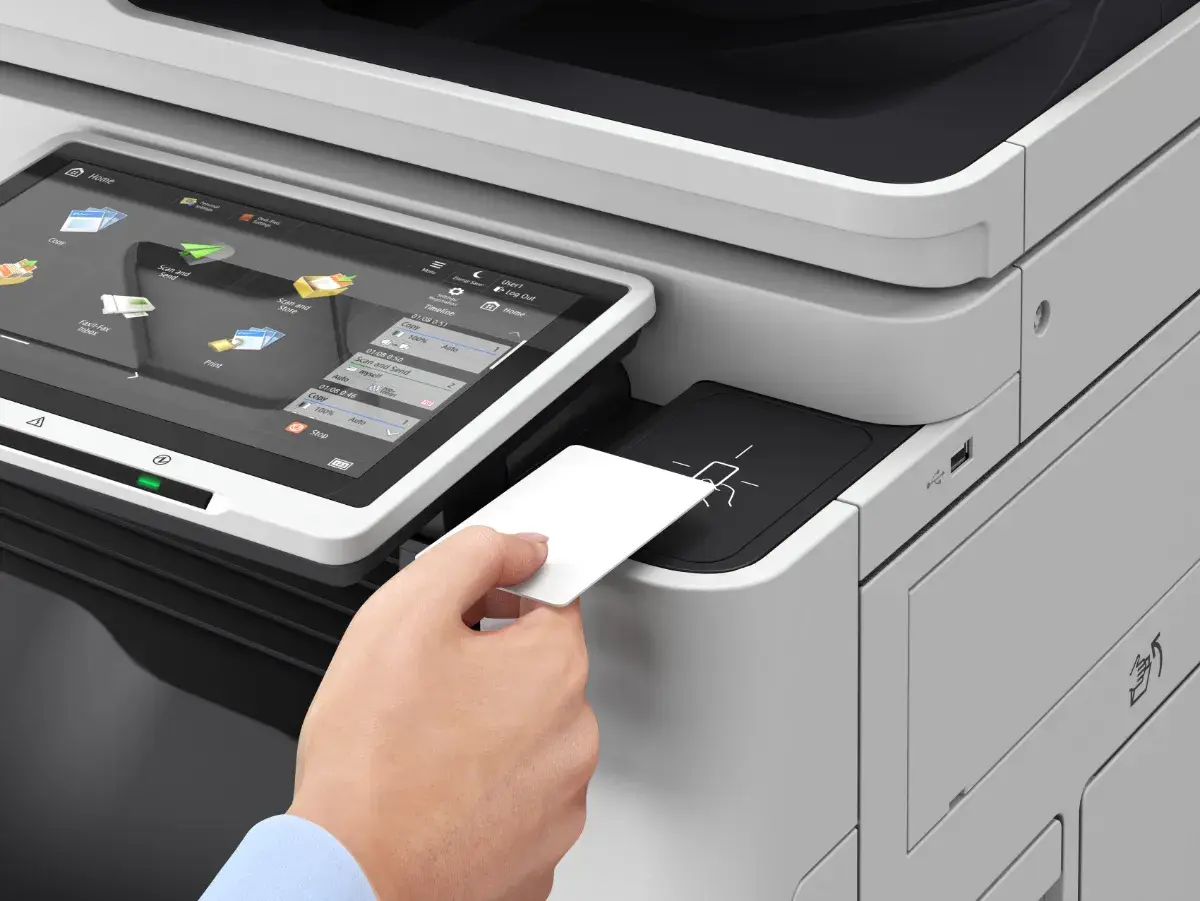
Benefits of Managed IT Services St Louis Businesses Can Use
Managing business technology involves more than fixing computers when something stops working. Companies also need regular maintenance, security monitoring, software updates, data backups, and reliable technical support.
With managed IT services, businesses receive ongoing assistance designed to prevent problems rather than simply respond to emergencies.
Some important benefits include:
- Proactive Monitoring: Identify potential technical issues before they cause major disruptions.
- Cybersecurity: Improve protection for business systems, networks, and sensitive information.
- System Maintenance: Keep computers, applications, and equipment updated.
- Data Backups: Support business continuity through reliable backup strategies.
- Technical Support: Help employees resolve everyday technology problems.
- Reduced Downtime: Maintain more consistent business operations.
Businesses should also review trusted cybersecurity resources, such as the NIST Small Business Cybersecurity Corner, to understand recommended practices for protecting business technology.
Improve Business Performance With Professional Network Management Services
A reliable network connects employees, computers, applications, printers, servers, and other workplace devices. When network performance becomes unreliable, communication and productivity can suffer.
Professional network management services help businesses monitor network performance, maintain equipment, troubleshoot connectivity problems, and improve overall reliability.
Network management also plays an important role in cybersecurity. Businesses should understand which devices are connected to their networks and ensure appropriate security measures are in place.
Regular monitoring, access controls, software updates, and network maintenance can help reduce potential vulnerabilities.
Choosing the Right Copier Dealer St Louis Businesses Can Trust
Despite the growth of digital documents, businesses continue to depend on printing for invoices, reports, contracts, presentations, marketing materials, and other important documents.
Choosing the right printing equipment can make a significant difference in everyday office operations.
An experienced copier dealer St Louis businesses can work with should help evaluate printing requirements and recommend equipment that matches the company’s workflow and budget.
Before selecting a copier or printer, consider:
- Monthly print volume
- Printing speed and quality
- Color and black-and-white requirements
- Maintenance and repair services
- Equipment security features
- Toner and supply expenses
- Long-term operating costs
The right equipment can help businesses improve document workflows while keeping printing expenses under control.
How a Managed Print Service Provider Improves Office Efficiency
Printing expenses can become difficult to manage when businesses have multiple printers and copiers across different departments or locations.
Paper, toner, equipment repairs, maintenance, and replacement costs can add up quickly without proper oversight.
A managed print service provider helps businesses organize and improve their printing environment.
Managed print services may include:
- Monitoring print usage and equipment performance
- Identifying unnecessary printing expenses
- Managing toner and supply requirements
- Scheduling preventive maintenance
- Improving printer and copier efficiency
- Supporting document security
With better visibility into printing activities, businesses can make informed decisions about their equipment and reduce unnecessary operating costs.
Wide Format Printers for Specialized Business Applications
Some businesses require printing capabilities beyond standard office equipment. Industries such as construction, architecture, engineering, education, advertising, and graphic design frequently need larger documents and high-quality graphics.
Wide format printers are designed for these applications. They can produce posters, signs, architectural drawings, maps, banners, plans, and other oversized materials.
Having the right equipment allows businesses to produce professional documents while maintaining greater control over their printing workflows.
When selecting wide-format equipment, companies should consider print quality, media compatibility, printing speed, and expected monthly usage.
Large Format Printers for Professional Business Materials
Large format printers provide businesses with the ability to produce detailed graphics and oversized documents for professional applications.
For example, an architectural firm may need detailed construction drawings, while a marketing department may require promotional banners, posters, and display graphics.
The right equipment can help businesses produce these materials efficiently and maintain consistent output quality.
Companies should evaluate their project requirements, media types, image quality expectations, and printing frequency before investing in large-format equipment.
Co-Managed IT Services: Additional Support for Internal IT Teams
Not every organization needs to outsource its entire IT department. Some companies already have internal IT employees but require additional technical expertise and resources.
This is where co-managed IT services can provide flexibility.
With a co-managed approach, businesses retain their internal IT team while working with an external technology provider for specialized services, cybersecurity assistance, network monitoring, technical support, or larger IT projects.
This arrangement can help companies:
- Extend their existing IT capabilities
- Access specialized technical expertise
- Improve network monitoring
- Strengthen cybersecurity practices
- Manage complex technology projects
- Reduce pressure on internal IT employees
Co-managed support is particularly useful for growing businesses that need additional resources without completely outsourcing their IT operations.
Reliable IT Support Southern Illinois Businesses Need
Businesses throughout Southern Illinois depend on reliable technology to manage employees, serve customers, and maintain daily operations.
Whether a company operates from a single office or manages multiple locations, technical problems can affect productivity and business performance.
Professional IT support Southern Illinois businesses can access helps organizations troubleshoot technical issues, maintain computer systems, manage networks, and support employees.
Having dependable technical assistance available also allows business owners and employees to spend less time dealing with technology problems and more time focusing on important business responsibilities.
Bringing IT and Printing Solutions Together
IT and printing may seem like separate business functions, but they are closely connected in modern workplaces.
Printers require reliable network connections, employees need secure access to documents, and businesses need technology systems that communicate effectively.
Combining IT management with professional printing solutions can help organizations create a more efficient workplace.
A coordinated technology approach can support:
- Reliable computer and network systems
- Secure printing and document access
- Efficient office equipment
- Better technology maintenance
- Improved employee productivity
- More organized document workflows
The right technology partner can help businesses evaluate their current requirements and identify solutions that support future growth.
Conclusion
Technology should make business operations easier, not create unnecessary challenges. Reliable IT systems, well-managed networks, efficient printing equipment, and professional technical support can help businesses operate with greater confidence.
From managed IT services and network management to co-managed IT support, wide-format printers, and managed print solutions, businesses have several opportunities to improve their workplace technology.
The key is choosing solutions that match actual business requirements. With the right combination of technology, maintenance, and professional support, companies can reduce downtime, improve productivity, control operating costs, and create a more efficient workplace.
Frequently Asked Questions
1. What are managed IT services?
Managed IT services provide ongoing technology support and maintenance for businesses. These services may include network monitoring, troubleshooting, cybersecurity, software updates, data backups, and technical assistance.
2. Why should businesses consider managed IT services in St Louis?
Businesses considering managed IT services in St Louis can benefit from professional technology assistance, proactive system monitoring, network maintenance, and ongoing IT support to help maintain reliable business operations.
3. What does a copier dealer do?
A copier dealer helps businesses select, install, maintain, and service copiers, printers, and other office printing equipment based on their specific requirements.
4. What is a managed print service provider?
A managed print service provider helps businesses manage their printing environment through equipment monitoring, supply management, maintenance, and print expense optimization.
5. What are wide format printers used for?
Wide format printers are commonly used to produce oversized documents and graphics, including posters, banners, architectural drawings, maps, signs, and marketing materials.
6. What is the difference between wide format and large format printers?
The terms are frequently used interchangeably. Both generally describe printers designed to produce documents and graphics wider than standard office printing equipment can accommodate.
7. What are network management services?
Network management services involve monitoring, maintaining, troubleshooting, and improving business computer networks to support reliable connectivity, performance, and security.
8. Are co-managed IT services suitable for small businesses?
Yes. Co-managed IT services can help small and growing businesses that already have internal IT employees but need additional technical expertise, resources, or specialized support.
9. Why is professional IT support important for Southern Illinois businesses?
Professional IT support helps businesses address technical issues, maintain networks, protect systems, and provide employees with reliable technology assistance.
10. How can businesses improve their technology environment?
Businesses can start by reviewing their IT infrastructure, network performance, cybersecurity practices, printing equipment, and document workflows. Professional technology support can help identify opportunities to reduce downtime, control costs, and improve efficiency.





Leave A Comment