
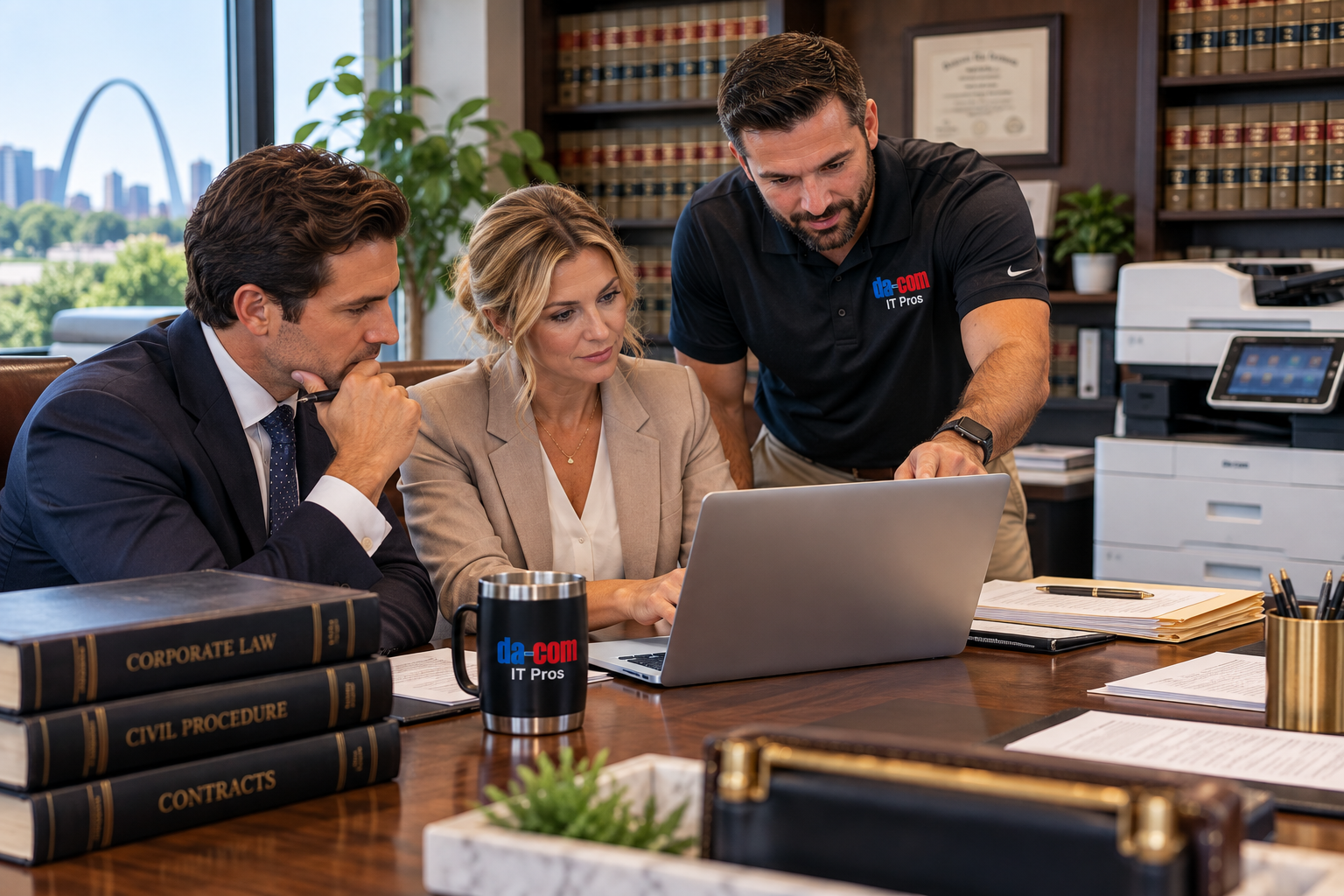
Cybersecurity for Law Firms: Protect Documents, Deadlines, and Client Trust
Cybersecurity for law firms should protect the work clients are counting on, not simply add another warning to an already busy day.
An attorney needs the current document before a meeting. A paralegal is preparing a filing. Someone in accounting receives an urgent email about changed payment instructions. A client needs to send confidential records, and a legal assistant is unsure which file-sharing method is approved.
The office may appear to be operating normally, but each task depends on the right information reaching the right person through a process the firm can trust.
Law firms handle sensitive information, financial transactions, confidential communications, important documents, and time-sensitive legal work. An interruption can affect employees, clients, deadlines, and the firm’s ability to provide dependable service.
You do not need a frightening presentation to understand the stakes. You need practical safeguards, supported employees, and a clear response when something does not look right.
Da-Com IT Pros provides managed IT services and cybersecurity solutions designed to help organizations manage technology, strengthen security practices, and prepare for interruptions. For law firms in St. Louis, St. Charles, the Metro East, Belleville, Edwardsville, Collinsville, and Southern Illinois, the right cybersecurity conversation should begin with your documents, deadlines, people, and daily work.
Quick Answer: What Does Cybersecurity for Law Firms Need to Protect?
Cybersecurity for law firms should protect confidential client information, email accounts, document access, financial transactions, attorney and employee credentials, connected office devices, and the firm’s ability to continue essential work. A useful cybersecurity plan combines preventive safeguards, monitoring, incident response, secure document handling, employee procedures, and tested recovery.
Key areas of protection include:
- Client confidentiality: Protecting information related to legal representation.
- Email security: Reducing the risk of phishing, compromised accounts, and fraudulent instructions.
- Document security: Managing who can access, edit, share, and retrieve legal files.
- Account protection: Using appropriate authentication and access controls.
- Payment verification: Confirming changes to financial instructions through trusted channels.
- Endpoint and network security: Maintaining covered computers, applications, and network systems.
- Backup and recovery: Preparing to restore essential information and systems.
- Printer and scanner security: Protecting confidential information that moves through physical office equipment.
- Incident response: Ensuring employees know whom to contact when suspicious activity occurs.
The goal is not a promise that nothing can happen. It is a better-prepared law firm with fewer unanswered questions and clearer responsibilities.
Start With the Information Behind a Legal Matter
Think about how information moves through a legal matter.
It may begin with an inquiry and continue through intake, document collection, research, drafting, review, client communication, and communication with opposing counsel or other outside parties.
Some information stays in the firm’s main document system. Other pieces may move through email, calendars, paper files, cloud storage, scanners, or approved file-sharing services.
Every transfer creates questions about access, permissions, and responsibility.
We recommend following a representative matter through the office using fictional or test information.
Ask:
- Where do client documents first enter the firm?
- Where are official versions stored?
- Who can access each matter?
- Who approves access for temporary staff or outside specialists?
- How are documents shared with clients?
- How are attachments and shared links checked before sending?
- When should temporary access expire?
- How do employees know they are using the current version?
- What happens when a matter closes?
The American Bar Association’s Model Rule 1.6 on Confidentiality of Information describes reasonable efforts to prevent unauthorized access to, or disclosure of, information related to representation.
It is a model rule, not a replacement for evaluating the professional responsibilities and laws that apply to your firm’s jurisdictions and circumstances.
That distinction matters. An IT provider can explain technical safeguards and support responsibilities. The firm’s lawyers and appropriate advisers should direct decisions concerning legal duties, confidentiality, and compliance.
Cybersecurity for law firms should support those responsibilities without expecting employees to improvise whenever a document moves between systems or people.
Understand the Different Layers of Law Firm Cybersecurity
Not every cybersecurity tool solves the same problem.
A stronger sign-in process can help protect accounts, but it does not restore a deleted file. A backup may help restore information, but it does not determine whether confidential documents were improperly accessed. Monitoring may identify suspicious activity, but it does not automatically explain who will respond.
The Cybersecurity and Infrastructure Security Agency provides ransomware prevention and response guidance addressing preparation, protection, response, and recovery.
For law firms, these responsibilities should work together.
| Cybersecurity Safeguard | What It Helps Protect | What It Does Not Guarantee |
|---|---|---|
| Account and device security | Reduces opportunities for unauthorized access. | That every malicious action will be prevented. |
| Security monitoring | Helps identify activity that may need investigation. | That someone is responding unless responsibilities are defined. |
| Employee security procedures | Gives staff approved ways to handle common risks. | That technical safeguards are unnecessary. |
| Secure document management | Helps organize access, sharing, and document handling. | That every document has the correct permissions automatically. |
| Incident response | Coordinates investigation, decisions, and response actions. | That an incident will have no consequences. |
| Backups and recovery testing | Supports restoration of covered information and systems. | That information already copied or exposed is no longer at risk. |
When comparing law firm cybersecurity services, ask who owns each responsibility.
Who checks whether safeguards are enabled? Who reviews alerts? Who contacts firm leadership? Who can authorize changes? Which services require a separate engagement?
You should not have to infer an entire cybersecurity program from the product names listed on an invoice.
Make Payment Verification a Standard Law Firm Procedure
One of the most practical cybersecurity improvements a law firm can make does not begin with purchasing another product. It begins with a clear verification process.
Imagine an employee receives an email concerning a payment connected to an active matter.
The sender appears familiar. The message references the correct client or transaction. It explains that banking information has changed and asks the employee to act quickly.
That situation may involve business email compromise, commonly called BEC.
The Federal Bureau of Investigation explains that business email compromise scams often involve criminals impersonating trusted contacts or using compromised accounts to request payments or changes to financial information.
For law firms, suspicious requests may involve:
- Updated payment instructions.
- Changes to vendor bank accounts.
- Requests involving client funds.
- Urgent wire transfer instructions.
- Unexpected invoices.
- Requests that appear to come from partners or senior attorneys.
- Unusual purchases or account changes.
Verify Changes Through an Independent Contact Method
When a financial instruction changes, employees should follow the firm’s approved verification process. That may include calling an established contact using information already on file rather than relying on a telephone number supplied in the questionable message.
Determine which requests require verification, who may approve them, and how confirmation should be recorded.
Make sure the process still works when the usual approver is traveling or unavailable.
An employee should be able to say, “Our process requires us to independently confirm changes to payment instructions.”
Partners and managers need to support that procedure. Security rules become difficult to follow when an employee is expected to make exceptions for urgent or senior-level requests.
This is an important part of cybersecurity for law firms because the final protective step may be someone recognizing that a convincing message still needs independent verification.
Strengthen Sign-Ins Without Creating New Problems for Staff
Law firms depend on employee accounts for email, calendars, document management, billing, remote access, and specialized legal applications.
Those accounts need appropriate protection.
Multifactor authentication, or MFA, requires additional verification beyond a password. CISA recommends stronger authentication practices, including phishing-resistant MFA where available.
Start with the accounts that matter most:
- Business email accounts.
- Document management systems.
- Cloud storage and sharing platforms.
- Remote access systems.
- Financial and billing applications.
- Administrative accounts.
- Accounts with access to multiple client matters.
Then plan for ordinary access issues.
An attorney replaces a phone. A paralegal loses an authentication device. A staff member receives a sign-in prompt they did not initiate. Someone traveling cannot complete the normal recovery process.
Who helps? How is identity verified? Which recovery methods are approved?
A successful security rollout includes both account protection and employee support.
Test the process with a small group before expanding it across the firm. Review what happens when an employee changes roles or leaves the organization, and ensure access removal is part of the normal administrative process.
Employees should not have to borrow someone else’s account or invent shortcuts because the approved process is confusing.
Protect Client Documents During Sharing and Collaboration
Secure document sharing is an essential part of law firm cybersecurity.
Attorneys and staff regularly need to send information to clients, outside counsel, accountants, experts, vendors, and other authorized recipients.
Those exchanges should be convenient enough to use while maintaining appropriate controls.
The FTC’s guidance on protecting personal information recommends limiting access to information based on legitimate business needs.
For a law firm, document access should follow the firm’s roles, matter requirements, and approved procedures.
Consider a temporary employee assisting with one assignment. Which documents are required? Who approves access? What happens when the assignment ends?
Now consider an attorney who needs to send a large group of documents to a client. The right response is not simply telling the attorney to be careful. The firm should provide an approved method and explain how to use it.
Questions to Ask About Secure Document Sharing
- Can access be limited to authorized recipients?
- Can permissions be changed or revoked?
- Can temporary access expire?
- Can the firm determine which version is current?
- Are available activity records appropriate for the firm’s needs?
- Can files be organized by matter or approved workspace?
- How are external recipients verified?
- Who handles unusual sharing requests?
Da-Com’s Document Management solutions can help businesses organize, store, retrieve, and route documents through defined workflows.
Specific security features depend on the selected solution, configuration, and service arrangement. Ask which controls are actually supported rather than assuming every document platform works the same way.
Cybersecurity for law firms should help authorized employees complete their work while reducing unnecessary access and unclear sharing practices.
Plan for Ransomware, Backups, and Missed-Deadline Risks
A backup discussion should begin with the work the firm needs to recover.
What documents are essential? Which applications are needed to use them? What happens when email or document access is unavailable? How will approaching deadlines be identified and handled?
Ransomware can interrupt access to systems or information. Some incidents can also involve data theft, meaning restoration does not necessarily resolve all consequences.
CISA’s ransomware guidance recommends appropriate protected backups and regular recovery testing.
Ask your IT provider to explain:
- Which systems are backed up.
- Which systems are excluded.
- How often backups occur.
- Who reviews failed backup jobs.
- How backups are protected.
- When restoration was last tested.
- What the testing demonstrated.
- Who coordinates recovery actions.
Then involve firm leadership in the operational planning.
Which legal work must be addressed first? Who reviews upcoming deadlines? How will staff communicate if ordinary systems are unavailable? Where are essential contacts kept through an approved alternative method?
Technical restoration and legal decision-making are separate responsibilities.
The IT provider can assist with covered systems, recovery procedures, and technical dependencies. Firm leadership and its advisers should determine how professional responsibilities, client communication, deadlines, and legal matters are managed during a disruption.
Test a Realistic Downtime Scenario
Consider a limited exercise: the firm’s document system becomes unavailable during a busy afternoon.
Ask employees how they would report the problem. Ask leadership how urgent matters would be identified. Ask the technical team what information it needs and what systems must be restored first.
Use fictional information and a planned exercise rather than exposing confidential client records.
The purpose is to discover missing contacts, unclear responsibilities, and unrealistic assumptions before an interruption occurs.
Don’t Overlook Printers, Copiers, and Scanners
Legal work may be increasingly digital, but law firms still handle sensitive paper.
A document can sit in a shared output tray. An employee may scan a confidential file to an outdated destination. A copier being returned at the end of a lease may contain stored information, depending on its design and configuration.
That is why office equipment belongs in law firm data security planning.
The Federal Trade Commission’s Digital Copier Data Security Guide explains the importance of addressing stored information and device security throughout the equipment life cycle.
Review your firm’s printers, copiers, and scanners with these questions:
- Where do confidential print jobs collect?
- Who can retrieve sensitive output?
- Does the device support authenticated or secure-release printing?
- Are scanning destinations clearly identified?
- Are outdated destinations removed?
- Who can change administrative settings?
- How are connected devices secured on the network?
- What information may be retained on the equipment?
- How will stored data be handled before a device is returned or disposed of?
Da-Com provides business copiers and printers that can be evaluated around printing, scanning, document workflows, access controls, and security needs.
Supported features vary by manufacturer, device, configuration, and software.
Physical document handling matters just as much. Identify where sensitive documents should be printed, how staff should collect them, and how unwanted copies should be disposed of under firm policy.
A useful security feature only helps if employees understand how to use it during ordinary work.
Prepare Employees to Report Cybersecurity Concerns
The first report of a potential security incident may be uncertain.
An employee might say they clicked an unfamiliar link, opened an unexpected attachment, received an unusual sign-in prompt, or noticed activity they did not recognize.
They may not know whether it is a genuine cybersecurity incident.
They should still know where to report it.
CISA’s incident response resources emphasize planning and coordinated action when cybersecurity concerns arise.
For a law firm, define:
- Where employees report suspicious activity.
- Who receives the first report.
- Who evaluates the technical issue.
- Who contacts firm leadership.
- Who coordinates outside specialists when required.
- What the applicable insurance and notification arrangements require.
- How essential contacts remain available if normal systems fail.
Employees should not be expected to independently investigate technical concerns or circulate sensitive material while trying to explain the problem.
Provide a clear first step and a reliable way to reach the appropriate people.
The tone of the process matters. An employee should feel comfortable reporting a possible mistake promptly without first having to prove that something serious occurred.
After the issue has been reviewed, ask whether the response process worked. Were the right people contacted? Was the information sufficient? Were decisions documented?
A cybersecurity response plan should be something people can use, not a document nobody remembers during a difficult day.
How Should Law Firms Compare Cybersecurity Providers?
When reviewing cybersecurity providers, begin with responsibilities instead of product names.
Two proposals may both mention endpoint protection, backups, monitoring, and security awareness. That does not mean they provide the same work, support hours, documentation, or incident response capabilities.
Ask the provider to explain:
- Which users, devices, and locations are covered.
- Which security safeguards are included.
- Who reviews alerts.
- When support is available.
- How urgent issues are escalated.
- What backup and restore testing includes.
- Which document systems are supported.
- How employee onboarding and departures are handled.
- Which work requires separate approval or charges.
- What responsibilities remain with the law firm.
Bring realistic scenarios to the conversation.
What happens when an attorney loses access while traveling? When someone questions payment instructions? When a staff member leaves? When a confidential document goes to the wrong recipient? When the document system becomes unavailable?
Da-Com IT Pros’ managed IT and cybersecurity services can help organizations discuss proactive technology management, security measures, backup planning, and ongoing support.
For firms in St. Louis, St. Charles, the Metro East, and Southern Illinois, a local support discussion should also confirm the actual office locations and on-site service arrangements.
No provider should ask a law firm to accept vague assurances instead of a clearly defined scope.
Law Firm Cybersecurity Checklist
Use this checklist to guide your firm’s next cybersecurity review.
- Identify the systems and information supporting essential legal work.
- Review where client documents enter, move, and leave the firm.
- Confirm access permissions follow approved roles and matters.
- Review MFA and account recovery processes.
- Require independent verification of changed payment instructions.
- Use approved methods for sharing confidential documents.
- Review employee onboarding, role changes, and departures.
- Identify who receives and responds to security alerts.
- Confirm the scope of backups and recovery testing.
- Prepare for interruptions affecting documents, email, and deadlines.
- Include printers, scanners, and multifunction devices in security planning.
- Define how employees report suspicious activity.
- Review incident response contacts and responsibilities.
- Confirm which services are covered by the IT provider.
- Schedule periodic reviews as the firm’s needs change.
Common Cybersecurity Mistakes Law Firms Should Avoid
Assuming Antivirus Software Is a Complete Security Plan
Antivirus or endpoint protection may be important, but account access, monitoring, employee procedures, document security, incident response, and recovery also require attention.
Skipping Independent Payment Verification
An email may appear legitimate even when it contains fraudulent instructions. Financial changes should follow the firm’s approved verification procedure.
Allowing Access to Remain After Roles Change
Document and system permissions should be reviewed when employees change assignments, leave the firm, or complete temporary work.
Assuming Backups Prevent Every Consequence of Ransomware
Backups can support restoration but do not undo information exposure. Security planning should address prevention, response, and recovery.
Ignoring Copier and Scanner Security
Connected office equipment can handle sensitive files. Physical printing, scan destinations, device settings, and end-of-service data handling deserve review.
Creating Policies Employees Cannot Follow
A safeguard is less useful when the approved procedure is unclear or inaccessible. Staff need practical instructions and dependable support.
Frequently Asked Questions About Cybersecurity for Law Firms
Is antivirus software enough for a law firm?
No. Antivirus software is only one part of a broader security plan. Law firms should also evaluate account protection, document access, secure sharing, monitoring, employee training, incident response, backups, and recovery procedures.
What cybersecurity risks should law firms prioritize?
Priorities should reflect the firm’s actual systems, information, legal obligations, and risk assessment. Common areas to evaluate include compromised email accounts, phishing, fraudulent payment instructions, ransomware, unauthorized document access, insecure sharing, and inadequate recovery planning.
Should law firm partners follow payment verification procedures?
Yes. The firm should define how verification procedures apply and ensure leadership supports them. Employees cannot consistently follow approved processes when urgent or senior-level requests routinely bypass the rules.
Can cybersecurity services guarantee client information will never be exposed?
No provider can eliminate every cybersecurity risk. Ask how the provider helps reduce risk, identify suspicious activity, support incident response, and document the work included in its agreement.
Do law firms need to secure their office copiers and scanners?
Yes. Depending on their design and configuration, connected copiers and scanners may handle or retain sensitive information. Law firms should consider user authentication, secure output, scan destinations, network settings, and data handling when equipment is returned or disposed of.
How can managed IT services help law firms?
Managed IT services can help with covered computers, networks, account management, security measures, backup planning, monitoring, employee support, and coordination with other vendors. The exact responsibilities depend on the selected provider and service agreement.
Can Da-Com help with both law firm cybersecurity and office equipment?
Yes. Da-Com provides managed IT services, cybersecurity solutions, document management, business copiers and printers, managed print services, and equipment support. A law firm can discuss how these services relate to its existing systems, documents, employees, and workflows.
What should a law firm bring to an initial cybersecurity consultation?
Bring a general list of essential systems, information about current technology providers, examples of recurring access or document problems, and questions about security responsibilities. Use nonconfidential examples rather than bringing actual client files unless a secure, approved review process has been established.
Protect the Documents, Deadlines, and Trust Your Clients Depend On
Cybersecurity for law firms should protect more than devices. It should help safeguard confidential information, support employees, strengthen everyday processes, and prepare the firm for situations that interrupt normal work.
Your clients should not have to think about the systems behind their matters. Your employees should not have to navigate technical uncertainty without a clear path to help.
At Da-Com IT Pros, we believe a productive cybersecurity conversation begins with the documents, deadlines, and people your firm depends on every day.
For law firms and legal offices in St. Louis, St. Charles, O’Fallon, the Metro East, Belleville, Edwardsville, Collinsville, and Southern Illinois, Da-Com can help review managed IT, cybersecurity, document workflows, printing, scanning, and technology support needs.
Bring the security questions your current arrangement leaves unanswered. Bring the document process that creates confusion. Bring the recurring technology problem your employees keep working around.
Contact Da-Com today to discuss cybersecurity and managed IT support for your law firm.
Explore Da-Com’s Managed IT Services, Document Management Solutions, and Business Copiers and Printers to learn more about building a dependable technology environment for your legal practice.


Leave A Comment