
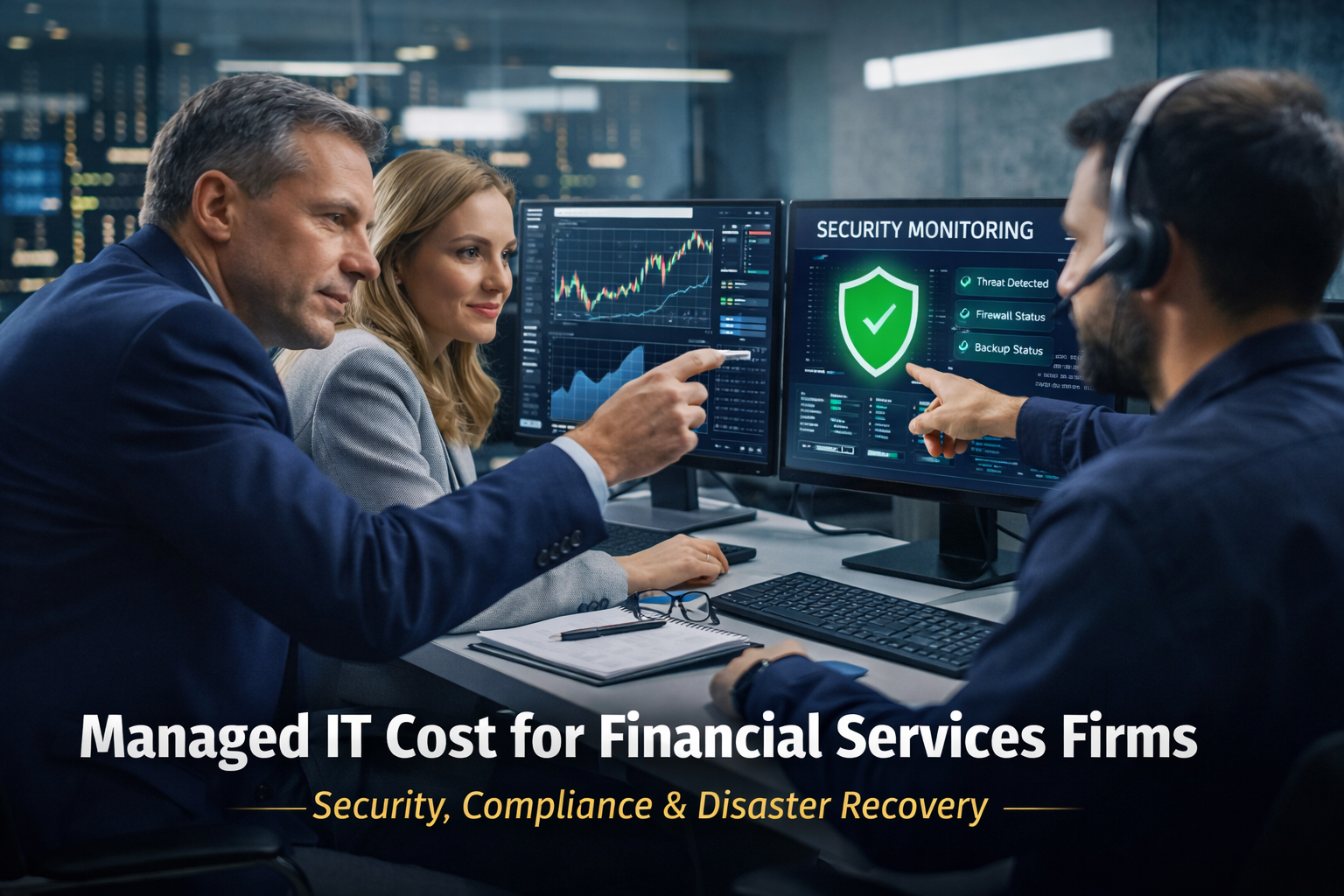
Managed IT Cost for Financial Services Firms: Pricing, Compliance, and Disaster Recovery for 10–100 Employees
Financial services firms run on trust. That trust is built on reliable systems, protected client data, and the ability to continue serving clients even when something goes wrong—whether that “something” is a cyberattack, hardware failure, or a major outage.
For firms with 10–100 employees, the managed IT cost for financial services firms commonly averages around $150 per user per month when the service is delivered correctly and includes proactive support, security controls, and compliance-minded practices. Pricing varies based on risk, complexity, and expectations—but the bigger story is why financial services pricing is often higher than other SMB industries: security, compliance, and disaster recovery expectations are not optional in finance.
This guide breaks down how managed IT pricing works for financial organizations, what you should expect at common price points, and how to evaluate whether your current spend is truly reducing risk.
What Is Managed IT?
Managed IT is a proactive model where a provider (an MSP—Managed Service Provider) takes ongoing responsibility for supporting, monitoring, securing, and improving your technology environment for a predictable monthly fee. Instead of paying only when something breaks, managed IT is designed to prevent downtime, reduce cybersecurity risk, and support business continuity.
In financial services, “managed IT” should not mean “someone to call when the printer breaks.” It should mean your firm has a documented plan—and an accountable partner—for:
-
keeping systems patched and monitored
-
protecting client information
-
reducing phishing and credential theft risk
-
ensuring backup and disaster recovery actually works
-
producing the documentation and controls that make audits and compliance reviews less painful
Managed IT Cost for Financial Services Firms: Typical Pricing Ranges
Most MSPs price financial services support on a per user, per month basis. While every environment is different, common ranges look like this:
-
$125–$175/user/month: typical for firms that want mature help desk + monitoring + security baseline
-
$175–$250+/user/month: common when you add advanced security, more rigorous compliance support, complex cloud/hybrid setups, or higher-touch vCIO involvement
Why this matters: “cheap” managed IT often means something is missing—usually security coverage, response expectations, documentation, or disaster recovery maturity. In financial services, gaps in any of those areas become expensive fast.
What Should Be Included in Managed IT for Financial Services Firms?
When you evaluate the managed IT cost for financial services firms, the most important question is not “what does it cost?” It’s:
“What outcomes does that monthly fee reliably produce?”
At minimum, a real managed IT agreement for a 10–100 person financial firm commonly includes:
1) Help Desk Support (the part everyone notices)
-
Support for advisors, analysts, and admin staff
-
Remote + on-site support options
-
Fast response expectations (with defined targets)
2) Proactive Monitoring and Maintenance
-
Monitoring of workstations, servers, and network devices
-
Alerting and remediation before issues become downtime
-
Routine maintenance (not just break/fix)
3) Patch Management (a quiet compliance win)
-
Operating system patching
-
Third-party application patching (where applicable)
-
Reporting that shows patch status and exceptions
4) Security Controls That Fit Financial Risk
-
Endpoint protection (EDR/AV baseline)
-
Email security + phishing protection
-
Multi-factor authentication guidance and enforcement
-
Secure remote access standards
-
Security monitoring and escalation procedures
5) Backup + Disaster Recovery Planning and Testing
This is one of the biggest search-interest areas right now—and it’s one of the biggest real-world budget drivers too. Disaster recovery isn’t just “having backups.” It’s the ability to restore operations predictably.
A finance-ready plan includes:
-
backup strategy aligned to business priorities
-
clear recovery objectives
-
documented restore procedures
-
regular testing (not “we assume it works”)
6) Vendor Coordination (finance apps aren’t generic)
Financial firms rely on specialized vendors—portfolio systems, financial planning software, CRM, document platforms, secure portals, VoIP, and more. Managed IT should include coordination and triage so your team isn’t stuck being the middleman during outages.
7) Strategic IT Planning via vCIO (especially important in finance)
A virtual CIO (vCIO) helps connect your technology decisions to business risk and growth. For regulated or high-trust environments, the planning layer often prevents “budget surprise” decisions later.
Why Managed IT Costs More in Financial Services Than Other SMBs
Financial services firms typically pay more because the environment demands more:
Higher security requirements
Firms handle sensitive personal and financial data. That attracts attackers and increases the impact of security failures.
Compliance expectations and documentation
Many financial organizations must demonstrate security controls and response readiness. For example, the FTC Safeguards Rule requires covered financial institutions to develop and maintain an information security program.
Incident response and recovery expectations
Regulators and clients expect you to be able to detect incidents, respond, and recover. The SEC’s Regulation S-P amendments emphasize incident response program requirements for covered institutions.
Downtime is reputational damage
A retail shop can lose a day of sales. A financial firm can lose client confidence.
How Per-User Pricing Works for Financial Firms
In a per-user model, one “user” generally includes:
-
one employee
-
their primary workstation/laptop
-
access to core services (cloud apps, shared resources, identity, security policies)
A 50-person firm might have far more than 50 endpoints (laptops, desktops, mobile devices), but the pricing model keeps budgeting predictable while the MSP scales support around the real environment.
Reality check: if your environment includes servers, hybrid infrastructure, multiple office locations, complex compliance workflows, or heavy remote work, per-user pricing may be supplemented by additional line items (or a higher tier).
Disaster Recovery: The Cost Driver Financial Firms Can’t Ignore
Disaster recovery is one of the most searched areas for a reason: modern disruptions aren’t rare. They’re expected.
Here’s what financial leadership should understand:
Backups are not disaster recovery
Backups are a tool. Disaster recovery is a plan + process + proof.
A mature DR approach defines:
-
RTO (Recovery Time Objective): how quickly you need systems back
-
RPO (Recovery Point Objective): how much data loss is acceptable (minutes vs. hours vs. a day)
The tighter your RTO/RPO needs are, the more your managed IT cost can increase—because it requires better tooling, more redundancy, and more frequent testing.
DR readiness supports compliance and trust
Regulators and auditors often expect you to demonstrate reasonable safeguards and preparedness. That aligns with the broader expectations in financial-sector cybersecurity guidance and frameworks.
Bottom line: If you want rapid recovery from ransomware or outages, you’re paying for the capability to restore—not just for storage space.
Financial Compliance: Why “IT Support” Isn’t Enough
When firms search “financial compliance” alongside IT, what they’re often really asking is:
-
Are we protecting customer data appropriately?
-
Do we have the documentation to prove it?
-
Are we prepared to respond to an incident?
The FTC Safeguards Rule is a common reference point for financial institutions’ information security programs.
Separately, SEC Regulation S-P amendments reinforce incident response program expectations for covered institutions.
A managed IT provider supporting financial organizations should be comfortable discussing:
-
written security policies and standards (at least baseline)
-
security controls implementation support
-
audit-readiness documentation practices
-
incident response planning and escalation
(Important note: MSPs typically support compliance readiness; they’re not your law firm. But a finance-ready MSP should understand the operational requirements and help you build defensible controls.)
Data Loss Prevention (DLP): A Practical Add-On That Often Pays for Itself
“Data loss prevention” is a growing interest area because the biggest risks aren’t always Hollywood-style hacks—they’re everyday mistakes:
-
sending client info to the wrong recipient
-
downloading files onto unmanaged devices
-
lost laptops
-
insecure file sharing
DLP isn’t a single product—it’s a set of controls that can include:
-
email/data labeling and policy rules
-
restrictions on copying sensitive data
-
encryption and device control
-
access controls and monitoring
For many firms, DLP becomes relevant when:
-
you’ve had near-miss incidents
-
you’re tightening your compliance posture
-
you’re expanding remote work or adding new advisors
IT Infrastructure Management: The Hidden Difference Between “OK” IT and Great IT
Infrastructure management isn’t flashy, but it’s what keeps the business stable:
-
network performance and visibility
-
lifecycle planning (replacing old devices before failure)
-
standard configurations across endpoints
-
identity and access consistency
-
reducing “one-off” setups that create support and security gaps
If your IT environment grew organically—new systems added whenever needed—managed IT should include a path toward standardization. Standardization is how you reduce tickets, reduce downtime, and reduce security exceptions over time.
What Happens When Managed IT Is Underpriced (or Split Across Too Many Vendors)
Financial firms sometimes choose low pricing or split responsibilities:
-
one vendor for IT support
-
another for cybersecurity
-
another for backups
-
another for compliance tools
That can work only if there’s strong coordination and clear ownership. Otherwise, you end up with:
-
slow incident response (“not our problem”)
-
security gaps between tools
-
inconsistent policies
-
incomplete documentation
-
unclear accountability during outages
In finance, unclear accountability is not just annoying—it’s risky.
The Role of a vCIO in Financial Services IT Costs
A vCIO isn’t just a meeting. It should be a function that produces:
-
a technology roadmap
-
budget forecasting
-
risk assessments and prioritized remediation
-
lifecycle planning for devices and core systems
-
business continuity strategy alignment
This is where firms often see the ROI: fewer surprise projects, fewer emergency renewals, fewer “we didn’t realize this was end-of-life” situations.
Real-World Example: A 60-Employee Financial Services Firm
A 60-employee firm moved from reactive support to a fully managed agreement around $150/user/month. Before the change, they experienced inconsistent support, rising phishing attempts, and limited visibility into security posture.
Within ~90 days, they typically see measurable improvements like:
-
faster help desk response times
-
standardized endpoint security
-
documented backup and recovery procedures
-
clearer risk visibility for leadership
The biggest win is often predictability: predictable costs, predictable response, and predictable recovery.
How to Know If Managed IT Is Worth the Cost
Instead of focusing on the invoice line item, evaluate outcomes:
-
Are issues resolved quickly and consistently?
-
Is client data protected with documented controls?
-
Do you have a tested recovery plan (not just backups)?
-
Are you reducing phishing and credential risk over time?
-
Can you produce basic audit-readiness evidence when asked?
-
Do you have a roadmap, or are you always reacting?
If the answer is “no” to several of these, you’re not really buying “managed IT”—you’re buying a help desk.
Why Financial Services Firms Work With Da-Com IT Pros
Financial organizations often choose Da-Com IT Pros for managed IT because we focus on stable, security-minded environments where uptime and trust matter.
-
Support for financial services firms with 10–100 employees
-
Fast help desk support with clear communication
-
Strong security-first approach (phishing, endpoints, monitoring)
-
Disaster recovery planning and testing (not just backups)
-
Strategic guidance via a dedicated vCIO
-
Local support across St. Louis and Southern Illinois
Frequently Asked Questions
What is a typical managed IT cost for financial services firms?
Many 10–100 employee firms commonly see managed IT pricing around $150 per user per month, depending on security needs, compliance expectations, and disaster recovery requirements.
Why does disaster recovery affect managed IT pricing?
Because recovery capability depends on tools, redundancy, and testing. Faster recovery (tight RTO/RPO) typically costs more than basic backups.
Does managed IT include compliance?
Managed IT often supports compliance readiness through security controls, documentation, and incident response planning—but your exact obligations depend on your business model and regulators. The FTC Safeguards Rule is a common benchmark for information security program expectations for covered institutions.
What should a financial firm require from an MSP?
At minimum: proactive monitoring, patching, endpoint security, email protection, backup + tested recovery, and clear response expectations—plus documentation practices that support audits and oversight.
Final Thoughts on Managed IT Cost for Financial Services Firms
The managed IT cost for financial services firms reflects the reality that finance is a high-trust, high-risk environment. Pricing is rarely just about “support.” It’s about how well your MSP can help you prevent incidents, respond quickly, and recover reliably, while maintaining the security posture and documentation that modern financial oversight expects.
If you want a clearer view of what managed IT should cost for your firm—and what should be included, contact Da-Com IT Pros to discuss your current environment, disaster recovery expectations, and compliance priorities.





Leave A Comment