
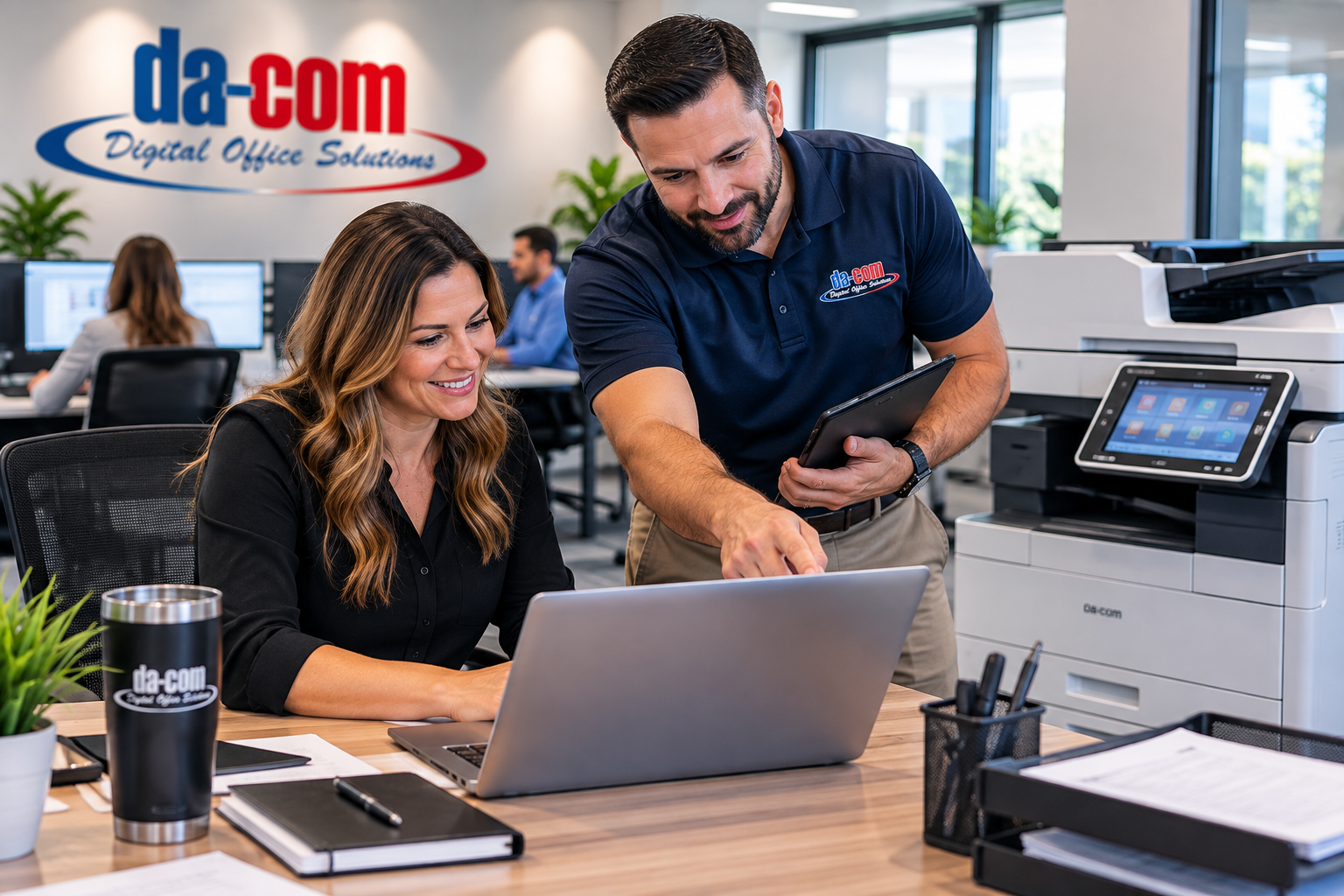
Office Technology Support Should Not Be a Full-Time Job
Office technology support should take work off your plate. It should not become the reason your own work never gets finished.
Picture a morning that begins with a reasonable plan. You need to review a budget, answer a customer, approve a document, and prepare for a meeting. Before you finish the first task, someone cannot print. Another employee cannot find a scanned document. A new hire needs access to a system, and nobody is sure who approved the request. The copier says it is working, but the accounting team still cannot print invoices. The internet provider says the connection looks fine, but the scan destination still does not work.
Now your morning belongs to problems you did not create.
You may be the office manager, operations leader, business owner, practice manager, administrator, or the person everyone trusts to find an answer. Whatever your title, you should not have to become an expert in every system just to keep the day moving.
Da-Com helps organizations think about office technology as a connected work environment, not a collection of unrelated devices. That can include business copiers and printers, Managed IT Services, Document Management, Managed Print Services, service, supplies, security conversations, and practical workflow planning.
For businesses, schools, nonprofits, medical offices, law firms, professional service teams, and local organizations in St. Louis, St. Charles, Columbia, the Metro East, Belleville, Edwardsville, Collinsville, Southern Illinois, and nearby Midwest communities, the right office technology support should help people spend less time chasing problems and more time doing the work they were hired to do.
Quick Answer: How Should Office Technology Support Make Work Easier?
Office technology support should give your team a clear way to get help, a person responsible for moving each issue forward, and a plan for recurring problems. It should also explain what is covered, who coordinates with other vendors, how staff receive updates, and what responsibilities remain with your organization. The goal is less chasing, not another relationship to manage.
Good support should help answer questions like:
- Who should employees contact when something stops working?
- Who owns an issue that involves more than one system?
- What is covered under the agreement?
- How are updates communicated?
- Who coordinates with outside vendors when needed?
- How are repeat issues reviewed?
- Who handles new employee access and setup?
- Where should scanned documents go?
- Who manages copier, printer, IT, security, and workflow questions?
- How will leadership know whether support is actually improving the workday?
At Da-Com, we believe the person keeping the office running deserves support, too. The equipment matters. So does knowing that a problem has an owner and that your team will not be left guessing.
The Hidden Work Behind a Small Technology Problem
A small technology issue can create a surprising amount of work for the person coordinating the office.
Imagine your accounting team cannot print invoices. The visible problem is a printer that is not producing pages. The hidden work begins when someone has to determine which printer is affected, find the service information, open a request, explain what happened, and tell accounting what to do in the meantime.
Then come the follow-up questions.
- Is the problem affecting everyone?
- Can invoices be printed somewhere else?
- Does another provider need to check the connection?
- Did the issue start after a software update?
- Is the device offline or is the application sending jobs incorrectly?
- Who will tell accounting when it is working again?
- Will someone confirm that the original task can be completed?
Meanwhile, the person coordinating all of this still has their own work to finish.
That is why a small technical issue can feel much larger than it looks. You are not only dealing with a machine. You are managing the effect on other people while trying to protect your own schedule.
We recommend looking at your current support arrangement from that point of view. Follow a recent problem from the first report to the final answer. Notice how many times someone inside your office had to push it forward.
Did your employee receive useful updates? Did someone confirm that the original task worked again? Did the provider identify a recurring issue, or did everyone simply hope it would stay fixed?
Those questions reveal more than a feature list on a proposal. They show whether the support process is helping your people or depending on them to manage it.
Clear Ownership Matters More Than Another Phone Number
Having several specialists is not automatically a problem. Your organization may need a software provider, internet company, phone vendor, copier service team, IT provider, document management partner, and internal staff who approve changes.
The problem begins when nobody owns the space between them.
Consider a scan that never reaches its destination. The copier may be functioning. The network may be available. The destination folder may have changed. A user permission may have expired. The address book entry may be outdated. Someone needs to work through those possibilities without turning the office manager into the messenger between every provider.
Good office technology support should make responsibilities visible.
| When Responsibilities Are Unclear | What to Ask For Instead | What It Means for Your Team |
|---|---|---|
| Employees guess whom to call. | An agreed contact method for each kind of request. | Staff can ask for help without diagnosing the cause first. |
| You pass messages between vendors. | A named lead for issues involving several providers. | Someone coordinates the next step. |
| You repeatedly request updates. | A communication and escalation process. | You know when to expect information. |
| The same issue keeps returning. | A review of repeat problems and proposed fixes. | Workarounds do not quietly become permanent. |
| New employees receive inconsistent setups. | A documented onboarding process. | Access and equipment are planned before the first day. |
| Scans disappear into inboxes or folders. | Defined scan destinations and document routing. | Employees know where approved documents belong. |
Da-Com brings office equipment, managed IT, cybersecurity conversations, document management, managed print, and service support under one local organization. That creates opportunities to coordinate related work, but the services and responsibilities included in your agreement still need to be defined.
“We handle everything” is less useful than a clear explanation of what happens when your team needs help.
Follow the Work, Not Just the Device
Sometimes the equipment is working and the process is not.
Imagine that an employee scans a signed agreement. The file arrives in an inbox. Someone downloads it, renames it, and forwards it. Another person saves a second copy in a shared folder. Later, a manager asks which version is current.
A faster scanner will not necessarily solve that problem.
We suggest following one document through the office. Choose something familiar, such as an invoice, purchase request, signed agreement, employee form, service ticket, sales order, onboarding document, or customer file. Ask the people handling it to show each step.
Ask:
- Where does the document arrive?
- Who decides what happens next?
- Where does the approved version belong?
- Who needs access?
- How does someone know the document is complete?
- What happens when the usual person is absent?
- How does the document connect to printing, scanning, approval, storage, or retrieval?
Da-Com’s Document Management solutions can help organizations improve how documents are captured, routed, approved, stored, and retrieved. But the useful starting point is understanding the process before choosing the software.
This is an important part of office technology support because a device and the work around it are connected. Solving only the visible equipment issue can leave the daily frustration untouched.
Start with one process rather than trying to redesign the whole office. Agree on what should become easier. Test the change with the people who use it, then ask whether it removed steps or merely moved them somewhere else.
A useful improvement should make sense to the employee doing the work, not only to the person presenting the solution.
Copier and Printer Support Should Connect to Daily Work
Copiers, printers, scanners, and multifunction devices are still central to many offices. They support invoices, contracts, HR forms, client paperwork, proposals, school packets, legal documents, medical office paperwork, nonprofit mailings, and internal records.
But office equipment support should not stop at whether the device turns on.
When reviewing business copiers and printers, bring examples of the documents your employees actually produce. Review the workload, users, paper needs, scan destinations, security expectations, and service needs rather than choosing only by advertised speed.
Useful copier and printer support questions include:
- Which employees rely on the device every day?
- Which jobs are most urgent?
- Which paper sizes and finishing options are actually used?
- Where should scanned documents go?
- Who updates scan destinations when staff or folders change?
- Who orders supplies?
- Who submits service requests?
- Who receives updates?
- Is there a practical backup if the main device is down?
- Are sensitive documents protected at the output tray?
Da-Com’s Managed Print Services can help organizations review print environments, usage, reporting, service, supplies, maintenance, and support needs. Any recommendation should connect to how your team actually works.
A new device might be appropriate. So might a change in placement, a clearer process, additional training, a scan workflow update, or a different service arrangement. Your team deserves to understand why one option makes sense before being asked to buy it.
Support Should Leave People Feeling Helped
Think about the difference between two support experiences.
In the first, an employee reports a problem and receives a technical explanation they do not understand. They are told the system is working, even though they still cannot finish their task.
In the second, the support person asks what the employee was trying to do, explains the next step, and stays focused on whether the task can be completed.
That second experience is the standard people should expect.
When evaluating office technology support, involve the people who will use it. Ask what makes getting help difficult today. Do employees feel comfortable asking basic questions? Do they have to repeat the story several times? Do they know whether a request is still open? Do they get updates in language they can understand?
A helpful technician should not make someone feel small for needing help.
Your staff were hired to do their own jobs. They should be able to ask how to use the tools supporting that work without feeling embarrassed, ignored, or responsible for diagnosing the full technical cause.
The support experience matters because employee confidence affects whether people report issues early, follow approved processes, and avoid risky workarounds.
Security Needs an Owner, Too
Security can become another source of quiet worry.
You hear about stronger passwords, multifactor authentication, software updates, backups, suspicious emails, and cyber threats. You know those things matter, but it may not be clear who checks them or what happens when something needs attention.
CISA’s small and medium-sized business resources point businesses toward practical cybersecurity steps, including phishing awareness, passwords, multifactor authentication, software updates, and incident-response planning. CISA small and medium-sized business resources
For your office, begin by making ownership clear.
Ask:
- Who handles employee access when someone joins or leaves?
- Who receives security warnings?
- Who checks backup failures?
- Who approves changes to important systems?
- Who reviews suspicious emails?
- Who helps employees recover access safely?
- Who confirms software updates are being handled?
- Who leads the response if something looks wrong?
You should also understand the difference between watching for a problem and responding to it. A monitoring service does not, by itself, explain who will act, during which hours, or under what agreement.
Da-Com’s Managed IT Services can support ongoing IT management, cybersecurity services, backup planning, business continuity conversations, endpoint support, and user support. The right discussion is about which responsibilities your organization needs covered, what evidence is available, and what remains your organization’s responsibility.
You do not need to know every technical setting. You do need to know what is being managed, what happens when there is a concern, and who owns the next step.
The Right Recommendation May Be Smaller Than You Expect
A useful technology conversation should not begin with the assumption that everything needs to be replaced.
Start with what is working.
- Which equipment is reliable?
- Which applications help employees finish their tasks?
- Which tools are barely used?
- What has changed since the current setup was selected?
- Which problems keep returning?
- Which workarounds have become normal?
- Which responsibilities depend on one person?
Then ask the provider to connect each recommendation to a specific need.
A replacement device might be the right choice. A managed print review might be needed. A scan workflow may need better destinations. A security setting may need attention. A document process may need a clearer owner. A new employee setup process may need to be documented.
We recommend asking for three explanations with any proposal:
- What does this change address?
- What happens if we wait?
- What ongoing responsibilities does it create?
Include staff time in that conversation. A tool that looks simple in a demonstration may still need someone to manage access, train employees, review reports, reorder supplies, and maintain the process.
Right-sized office technology support should help you see those tradeoffs. It should not make you feel that asking questions means you are slowing down the sale.
You are responsible for the decision long after the proposal has been signed. You deserve enough information to explain that decision clearly to your team and leadership.
A Provider Change Should Have a Transition Plan
Even when the current arrangement is frustrating, switching providers can sound exhausting.
You may picture interrupted work, missing settings, confused employees, and a pile of questions landing on your desk. Those concerns deserve a plan, not reassurance alone.
Before a transition, identify the systems and tasks that must keep working. Confirm who will gather documentation, coordinate with the existing provider, and help the organization retain authorized access to its accounts.
Do not send passwords through an ordinary shared spreadsheet or email chain. Agree on an appropriately protected transfer process.
Then discuss the order of work:
- Which changes can happen first?
- Which changes need a quieter time?
- Who will test the employee experience?
- Which devices or systems need special attention?
- Who will communicate changes to staff?
- What happens if something does not work as expected?
- When is the transition considered complete?
For a team working across St. Louis, Columbia, and Southern Illinois, address each location rather than assuming one successful test covers every office. Confirm the devices, connections, workflows, users, and support expectations people rely on at each site.
Training belongs in the transition plan as well. Employees should know what is changing, what is staying the same, and where to ask for help.
A smooth transition is not merely a delivery date. It is a planned handoff with clear owners, testing, communication, and a way to address unfinished items.
Measure Whether Your Day Is Getting Easier
A report can contain many numbers and still miss the question that matters to your staff: are we spending less time stuck?
Choose a few practical measures.
- How often do the same problems return?
- How often do requests remain unresolved?
- How often do employees have to ask for updates?
- How often do new hires start without needed access or equipment?
- How often do scans go to the wrong place?
- How often do employees use workarounds instead of approved processes?
- How many service issues require internal staff to coordinate multiple vendors?
- Which improvements were discussed but never completed?
Set a reasonable review schedule and ask for plain-language updates. What was finished? What still needs a decision? What is the next priority?
For office technology support, progress may look ordinary. An employee can find a document without asking three people. Accounting knows where approved invoices belong. A recurring scan issue stops returning. New hires have the right access on day one. You no longer act as the middle person for every service call.
There will still be problems. A dependable relationship is not one where nothing ever needs attention. It is one where responsibilities are clear and the response is manageable.
Office Technology Support Checklist
Use this checklist when reviewing your current office technology support or comparing providers.
- Identify the problems that take the most time to coordinate.
- Follow one recent issue from first report to final resolution.
- Review who owns copier, printer, IT, document, access, and security requests.
- Confirm how employees ask for help.
- Define who receives updates and when.
- Identify recurring issues that need review.
- Review scan destinations and document routing.
- Review employee onboarding and offboarding steps.
- Confirm who coordinates with outside vendors.
- Ask what is covered and what is excluded.
- Review service, supplies, training, and communication expectations.
- Include security ownership, backup review, and access responsibilities.
- Measure whether the office is spending less time chasing answers.
Common Mistakes to Avoid
Assuming More Vendors Means More Support
More contacts do not automatically make work easier. If nobody owns the handoff between systems, your staff may still become the coordinator.
Choosing Equipment Without Reviewing Workflow
A new copier, printer, scanner, or application may help, but only if it fits the way people actually work. Review documents, users, destinations, approvals, and support needs first.
Letting Workarounds Become Permanent
A workaround may be necessary for a day. It should not quietly become the official process because nobody had time to fix the root issue.
Ignoring Employee Experience
Support should be usable by the people asking for help. If employees do not know where to go or feel uncomfortable asking, problems may stay hidden longer.
Treating Security as a Product Purchase
Security requires ownership, maintenance, user behavior, response planning, and recovery expectations. A tool can support that work, but it does not replace the need for clear responsibility.
Changing Providers Without a Transition Plan
A new provider should help reduce uncertainty, not add to it. Ask about discovery, access, documentation, testing, communication, and staff orientation.
Frequently Asked Questions About Office Technology Support
Do we have to replace all our equipment to improve support?
No. Begin by reviewing equipment condition, support options, security needs, usage, and whether the current devices can handle the work. Keep what still fits. Ask the provider to explain why a replacement is recommended and whether a smaller change would address the problem.
Can an outside provider work with our internal IT employee?
Yes, that can be discussed as part of the service scope. Identify which responsibilities your employee will retain and where outside help is needed. Document who handles requests, approves changes, coordinates vendors, and communicates with staff. The arrangement should give your employee useful support rather than create confusion over who is responsible.
What should we ask about response times?
Ask what each term means. Acknowledging a request, beginning work, arriving on site, and resolving the problem are different milestones. Confirm support hours, urgent-request procedures, escalation steps, and communication expectations in writing.
How do we know whether office technology support is worth the cost?
Look beyond the monthly amount. Compare the work included, the responsibilities remaining with your staff, and the recurring problems the arrangement should address. A lower price may cover less work, while a larger package may include things you do not need. The useful comparison is scope, fit, and demonstrated follow-through.
What should we bring to an initial office technology support conversation?
Bring a few recent examples of interruptions, current agreements you can locate, a basic list of important systems, and examples of documents or workflows that create confusion. Include the people who understand the daily work. You do not need a perfect inventory before asking for help.
Can Da-Com help with both office equipment and IT support?
Yes. Da-Com supports business copiers and printers, managed print, managed IT, cybersecurity conversations, document management, wide format printing, service, and supplies. The exact scope should be defined for your organization so everyone understands what is covered.
How can document management fit into office technology support?
Document management can help when the problem is not only printing or scanning, but where documents go next. It can support capture, routing, approvals, storage, search, and retrieval when the process is clearly defined.
What is the first thing we should review?
Start with the problem your team keeps having to explain. Follow that issue from beginning to end. Identify who reports it, who owns it, who communicates updates, and how the original task is confirmed before the request is closed.
Get Back to the Work You Were Hired to Do
You may still be the person everyone turns to when something goes wrong. That does not mean every problem has to stay on your desk.
At Da-Com, we want to help organizations move from chasing answers to knowing what happens next. That begins with listening to the work your people are trying to finish and the interruptions they keep having to manage.
For organizations in St. Louis, St. Charles, Columbia, the Metro East, Belleville, Edwardsville, Collinsville, Southern Illinois, and nearby communities, Da-Com can help review office technology support across business copiers and printers, managed print, managed IT, document management, service, supplies, and workflow needs.
Bring the problem you are tired of explaining. Bring the process nobody fully owns. Bring the questions you want answered before making another technology decision.
To discuss office technology support that fits your team, contact Da-Com today.
Explore Da-Com’s Business Copiers and Printers, Managed IT Services, Document Management, Managed Print Services, and Service and Supplies resources to start building an office support plan that is easier to manage.




Leave A Comment